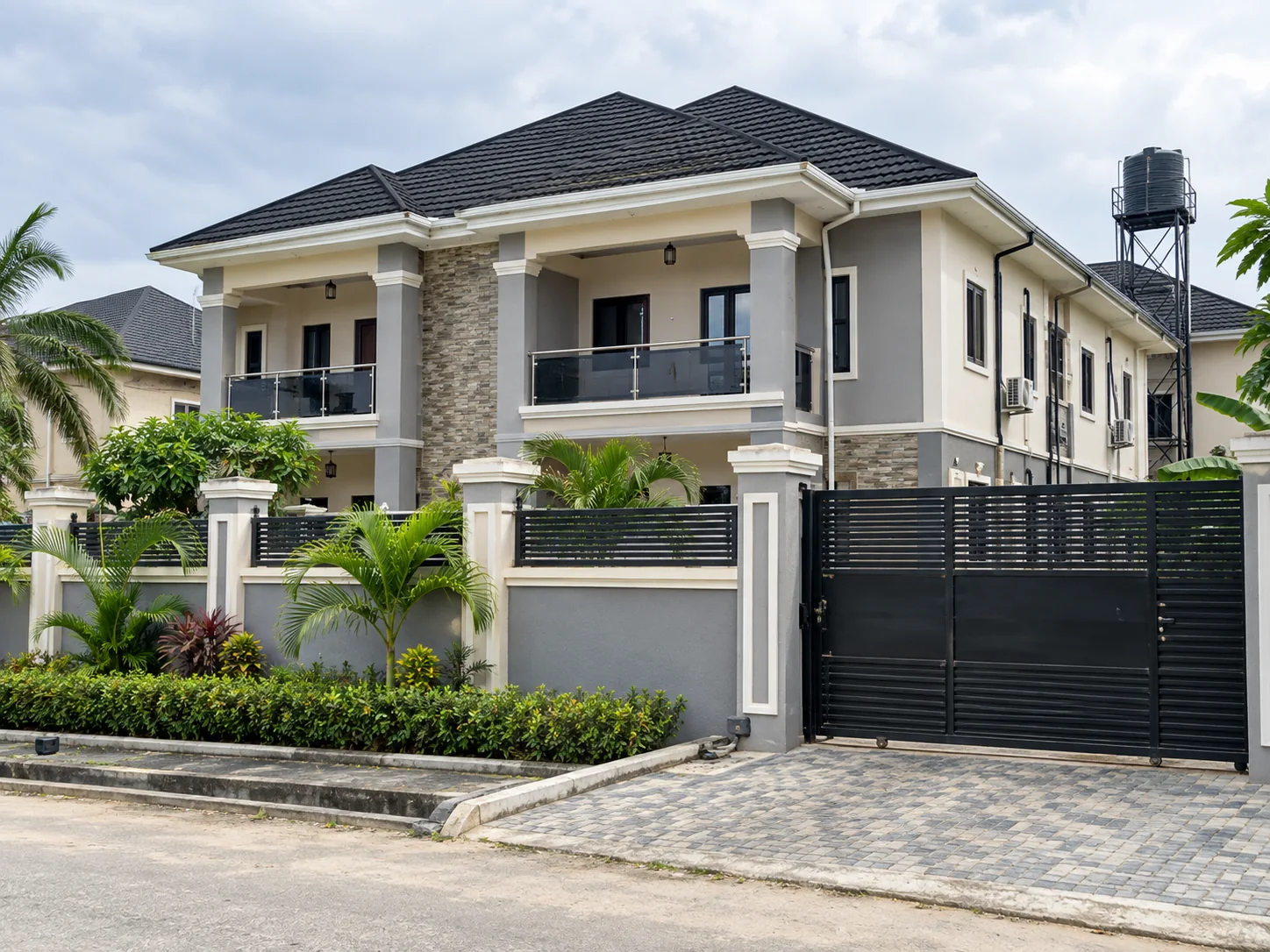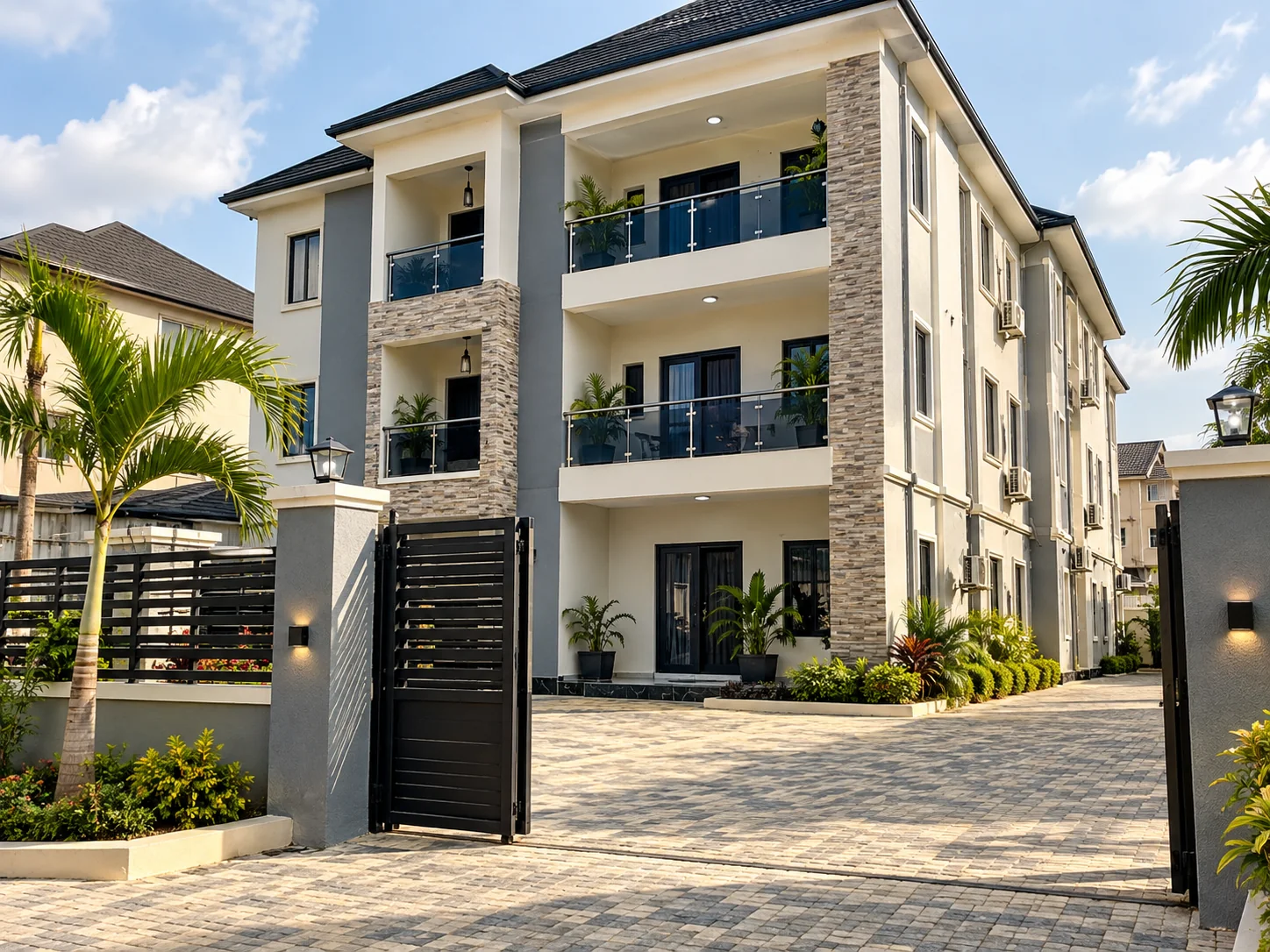
Preview first
Check unit types, prices and recorded availability before you pay. If the record has no available units, unlock is disabled.
Open the full package
Unlock detailed property intelligence, photos and the contact information available for the property. For multi-unit records, explore the units included in that record.
Use the 24-hour window
Your successful unlock provides 24 hours of access. Review the package, prepare questions and contact the appropriate person while access is active. Your expiry time appears in My Unlocks.
Arrange the next step
Use the displayed contacts for property details, inspections and Agent support. For sales, Veriq is the contact. An unlock does not reserve a unit or replace a tenancy or purchase agreement.
Raise an important issue
If a paid unlock is affected by an eligible issue, submit a request through Refund requests within the period shown. Approved refunds go to the wallet and revoke refunded access. Read the Refund Policy for the review process.